 Skype for Business makes it easy to connect and collaborate with coworkers and business partners around the world:
- Start instant message conversations and voice or video calls.
- See when your contacts are available online.
- Schedule and join meetings.
- Present your screen during meetings.
If you're using Skype for Business on a PC, see the Skype for Business on Windows Quick Start.
Download and install
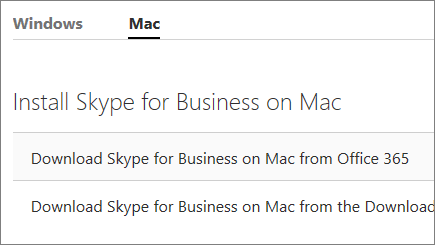
If don't already have Skype for Business installed, see:
Sign in to Skype for Business
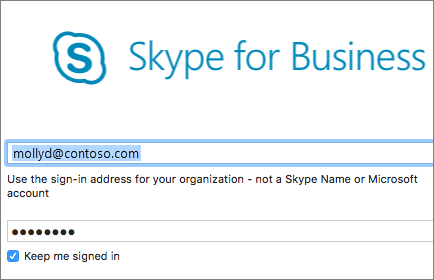
- Enter your work or school account.
- Select Continue.
- If your organization provides instructions, follow the prompts on the screen. Otherwise, enter your password.
- Select the Keep me signed in check box if you'd like Skype for Business to save your information so you don't have to enter it each time you sign in.
- Select Sign In.