
Set up your audio and video devices
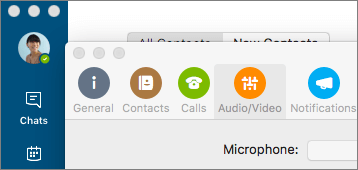
- Select Skype for Business > Preferences... > Audio/Video to select your microphone and speakers.
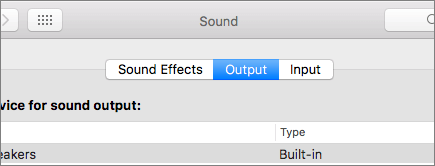
- Select Apple
 > System Preferences > Sound to set the Output and Input volumes.
Set up your audio and video devices
> System Preferences > Sound to set the Output and Input volumes.