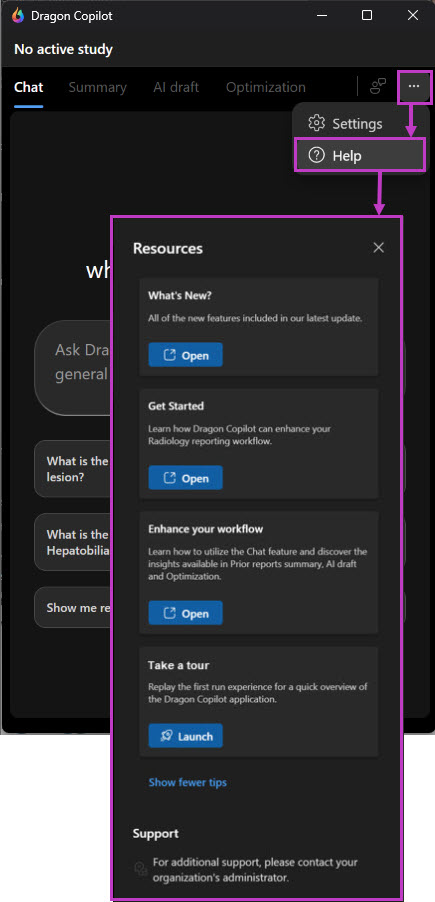
When you sign into Dragon Copilot (radiologists), Dragon Copilot first run experience opens.
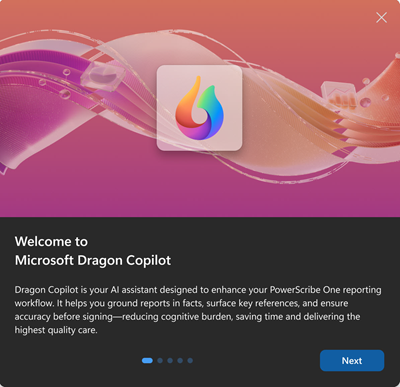
The first slide provides a brief introduction to Dragon Copilot (radiologists).
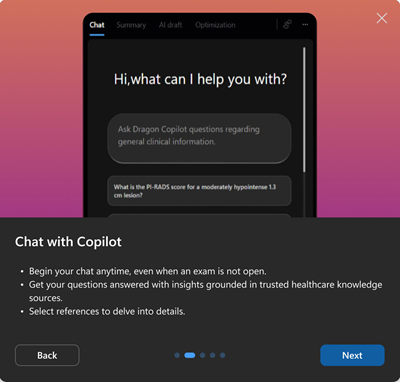
Each subsequent slide gives a short overview and image of a feature:
- Chat
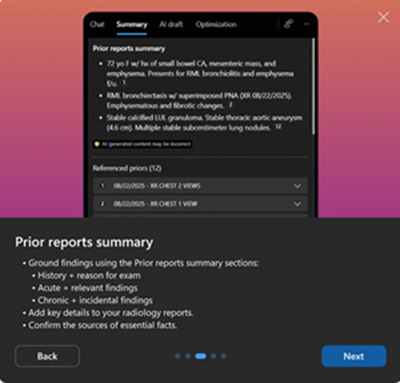
- Prior reports summary
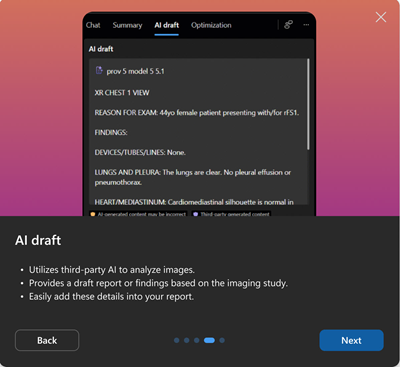
- AI draft
- Optimization
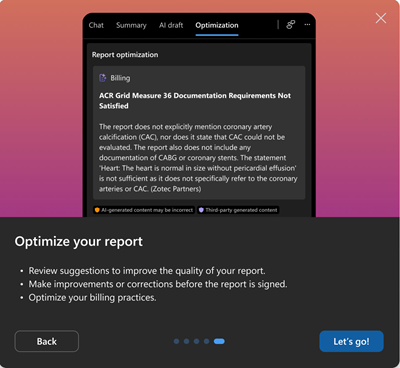
When you reach the final slide, select Let’s go! to close the window and start using Dragon Copilot.
You can access the first run experience anytime by selecting Help under the ellipsis in the upper right corner of the application. Scroll down to Take a tour and select Launch.