Create a new workflow from a template
Open the Workflows app
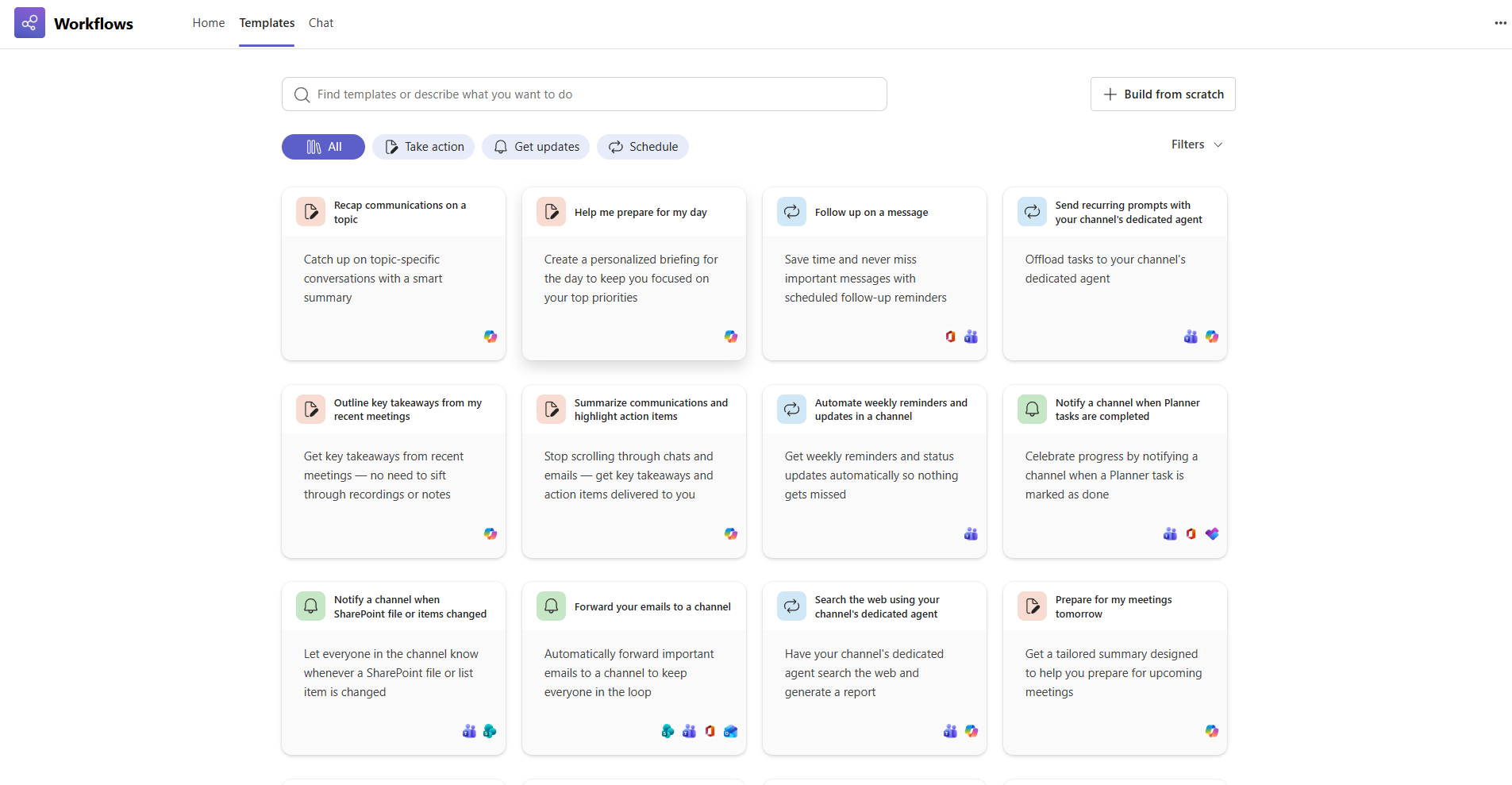
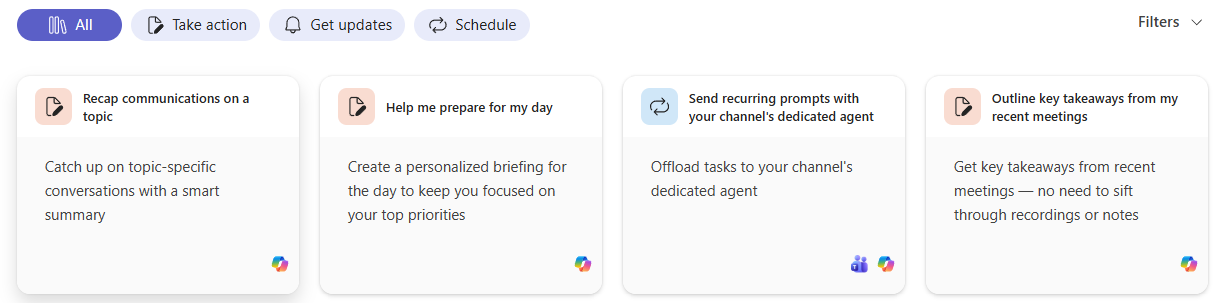
Select a template from within the home page carousel or select All templates to view the full catalog and then select a template from there.
Tip
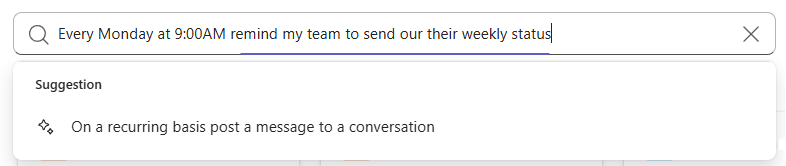
You can also find templates by using the search bar at the top of the Home or Templates page. Just enter a few keywords describing the workflow you need and select from the suggested options.
Follow any prompts and fill out the required fields.
When you're done, select Save to create and activate your workflow.