
Educators are team owners and can remove other educators from a class team. Removing another educator removes their owner permissions in the team.
Remove an educator
Navigate to a class team and select More options
 > Manage team.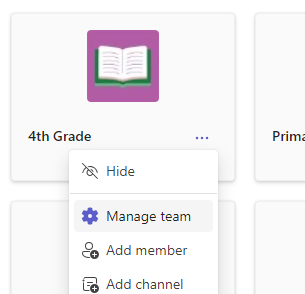
Navigate to the educator you're removing and change their role from Owner to Member by selecting the downward arrow.
Now, select the X at the end of the educator's row underneath Members and guests. The educator will be removed from your class.

Learn more
Remove a student from a class team
Add a co-teacher to a class team