
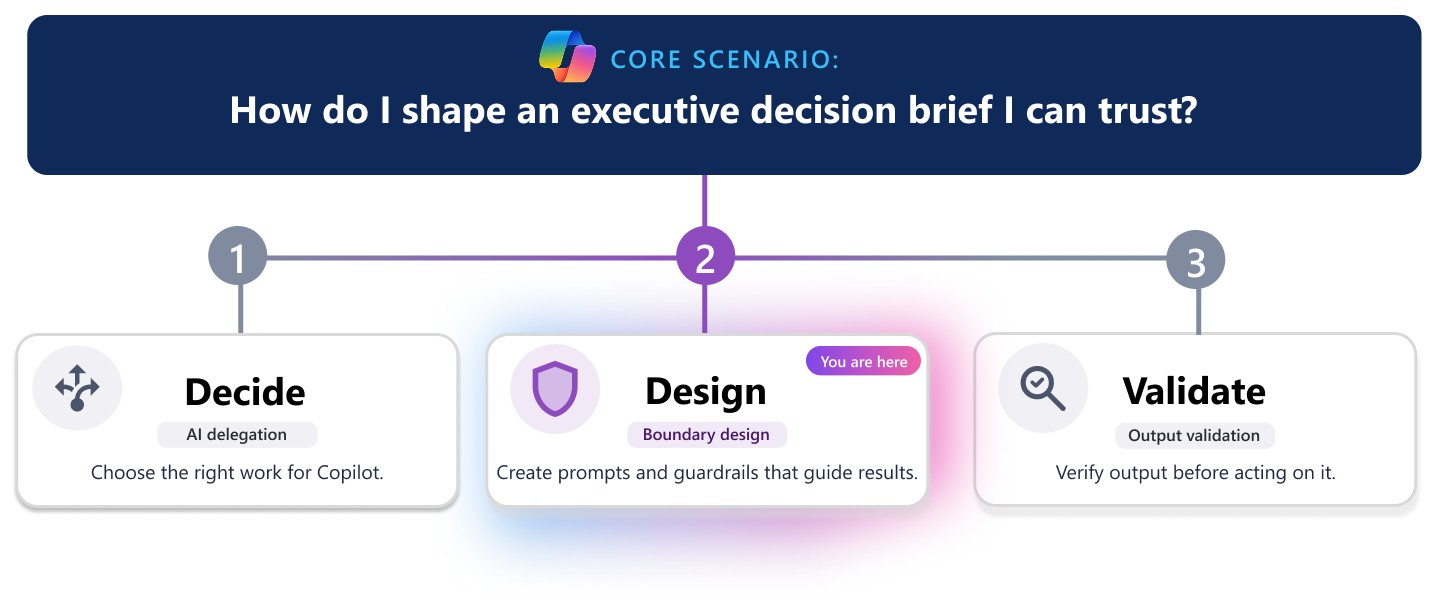
A Copilot-generated decision brief can sound polished quickly, but boundaries help you decide what to include, what to leave out, and what needs human review before sharing.
This scenario shows how to set clear boundaries before asking Copilot to draft a decision brief about whether to continue, change, or stop a pilot after mixed results, making the draft easier to trust, review, and keep accurate.
Scenario: Define the guardrails before you generate the decision brief
You’re preparing a decision brief for senior leaders about whether to continue, change, or stop a pilot after mixed results. You have pilot summaries, meeting notes, feedback themes, adoption data, and early cost estimates, but some information is still evolving or requires additional context.
You’ve already [decided which parts of the decision brief workflow Copilot should handle] and which parts should stay human-led. Now you need to define the boundaries for how Copilot should generate the draft.
This decision brief could shape the pilot’s future. If the draft blurs facts, assumptions, or readiness, it could weaken the recommendation.
To avoid that, set boundaries before drafting so Copilot stays focused and review is easier.
What boundaries should shape the decision brief draft?
Use these five boundaries to guide what belongs in your draft—and what doesn’t: Goal, Freshness, Context, Audience, and Checkpoints.

Goal
Define what the decision brief should do—and what it shouldn’t do.
| Do | Don’t | Ask Copilot |
|---|---|---|
| Focus on the recommendation, evidence, major risks, and next steps. | Turn the decision brief into a full archive of everything learned during the pilot. | “Draft a decision brief focused on the recommendation, expected value, timeline, and risks.” |
| Keep content decision-focused. | Overload the draft with detail that doesn’t affect the recommendation. | “Leave out background that doesn’t affect the decision.” |
| Highlight what stakeholders need to decide. | Include side discussions that distract from the main decision. | “Identify content that is interesting but not necessary for this decision.” |
Freshness
Decide which information is current enough to include.
| Do | Don’t | Ask Copilot |
|---|---|---|
| Use the latest approved timeline and current pilot findings. | Treat outdated estimates as current fact. | “Use the latest confirmed information.” |
| Treat earlier estimates or assumptions as tentative unless confirmed. | Ignore newer direction or updates. | “Flag any dates, decisions, or statements that might be outdated or superseded.” |
| Call out anything replaced by newer direction. | Mix current and outdated data without clarification. | “Identify where newer guidance changes the decision brief.” |
Context
Make sure key points can stand on their own.
| Do | Don’t | Ask Copilot |
|---|---|---|
| Include owners where relevant. | Present milestones without required conditions. | “Flag any part of the decision brief that needs additional context.” |
| Include assumptions, dependencies, and constraints that affect the recommendation. | Leave key details implied or unclear. | “Call out missing ownership, assumptions, or dependencies.” |
| Explain what the pilot results do and do not show. | Present early findings as more conclusive than they are. | “Ensure the decision brief is actionable, clear, and appropriately qualified.” |
Audience
Set limits for what is suitable for this audience.
| Do | Don’t | Ask Copilot |
|---|---|---|
| Tailor content to audience needs. | Include unresolved internal debates. | “Identify content that might be sensitive or not appropriate for this audience.” |
| Include only necessary detail. | Share sensitive budget discussions unless needed. | “Flag speculative or incomplete statements.” |
| Present clear, supported statements. | Include speculation that could be seen as commitment. | “Remove or adjust content that could be misinterpreted” |
Checkpoints
Identify what must be reviewed by a person before the draft moves forward.
| Review item | Why it needs review | Ask Copilot |
|---|---|---|
| Recommendations | Might influence direction or approval. | “Mark any statements that require human review.” |
| Dates and commitments | Set delivery expectations. | “Flag commitments that need confirmation.” |
| Named owners | Assign accountability. | “Identify missing or unclear ownership.” |
| Risk language | Affects decision-making and perception. | “Highlight risk statements needing validation.” |
| Approval or funding impacts | Might require stakeholder sign-off. | “Surface areas that need leadership review.” |
How do I turn decision brief boundaries into a working prompt?
Once you define the boundaries, turn them into one clear instruction. For example:
“Draft a decision brief for executive stakeholders about whether this pilot should continue, change, or stop. Focus on the recommendation, supporting evidence, expected value, major risks, and next steps. Use only the latest confirmed information. Flag anything that might be outdated, missing context, or inappropriate for this audience. Mark recommendations, commitments, dates, and named owners for human review before sharing.”
This won't replace review, but it helps Copilot produce a stronger first draft.
What information should I carry forward?
As you review the draft decision brief, sort content into three groups: Carry forward, Carry forward carefully, and Leave out.
| Carry forward | Carry forward carefully | Leave out |
|---|---|---|
| Approved project objective | Supported pilot findings | Outdated project information |
| Confirmed milestones | Early estimates | Replaced timelines |
| Named next steps with owners | Dependencies that still need confirmation | Side conversations |
| Validated status or risk statements | Mixed findings that need qualification | Speculative claims |
| Adoption data that might be still evolving | Audience-restricted details that are not necessary for the decision |
This keeps the decision brief focused on what is useful and responsible to share.
Quick readiness checklist
Before you rely on a Copilot-generated decision brief draft, confirm:
✔️ Goal: The draft is focused on the job you intended.
✔️ Freshness: The latest direction is reflected.
✔️ Context: Key points include enough context.
✔️ Audience: The content fits the audience.
✔️ Checkpoints: Human review points are clearly defined.
If one of these is weak, refine the boundaries before you revise the draft further.
Why boundaries matter
Copilot can draft quickly, but people must decide what evidence to include, how much confidence it deserves, and what is appropriate to share. Clear boundaries improve draft quality, reduce risk, and make review faster.
Copilot creates the draft. You remain responsible for the final decision brief.