
Classwork in a Class Team has different modules and resources your teacher has shared. These modules can include Files, Assignments, pages from the Class Notebook, web links, and Teams channels. This helps make online learning and digital education better for you.
In this article
Navigate to Classwork
Select a class team, then select Classwork.
Note
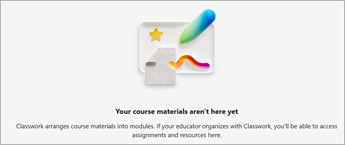
If your educator hasn't setup Classwork yet, you will see this screen.
View Modules and Resources
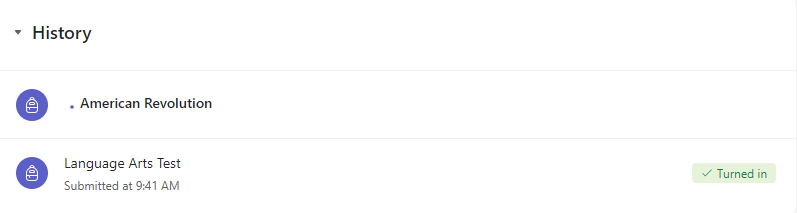
Within Classwork, you will see modules. You can identify what type of resources are in a module at a glance.
- To expand a module, select its name.
- To collapse a module, select its name again.
- To open a resource, select the resource name.