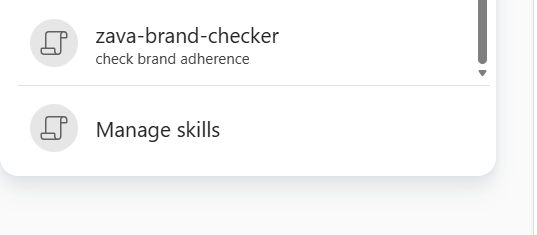
Brand managers can now share skills with their organization through Brand kit for use within Copilot in PowerPoint.
To learn more about skills, see Use custom skills with Copilot in PowerPoint.
Brand kit now includes additional controls for uploading and adding new skills.

Upload your brand skill in Brand kit for use with Copilot in PowerPoint
Open Brand kit from the Microsoft Copilot app.
Select a Brand kit that you own or have shared editing access to.
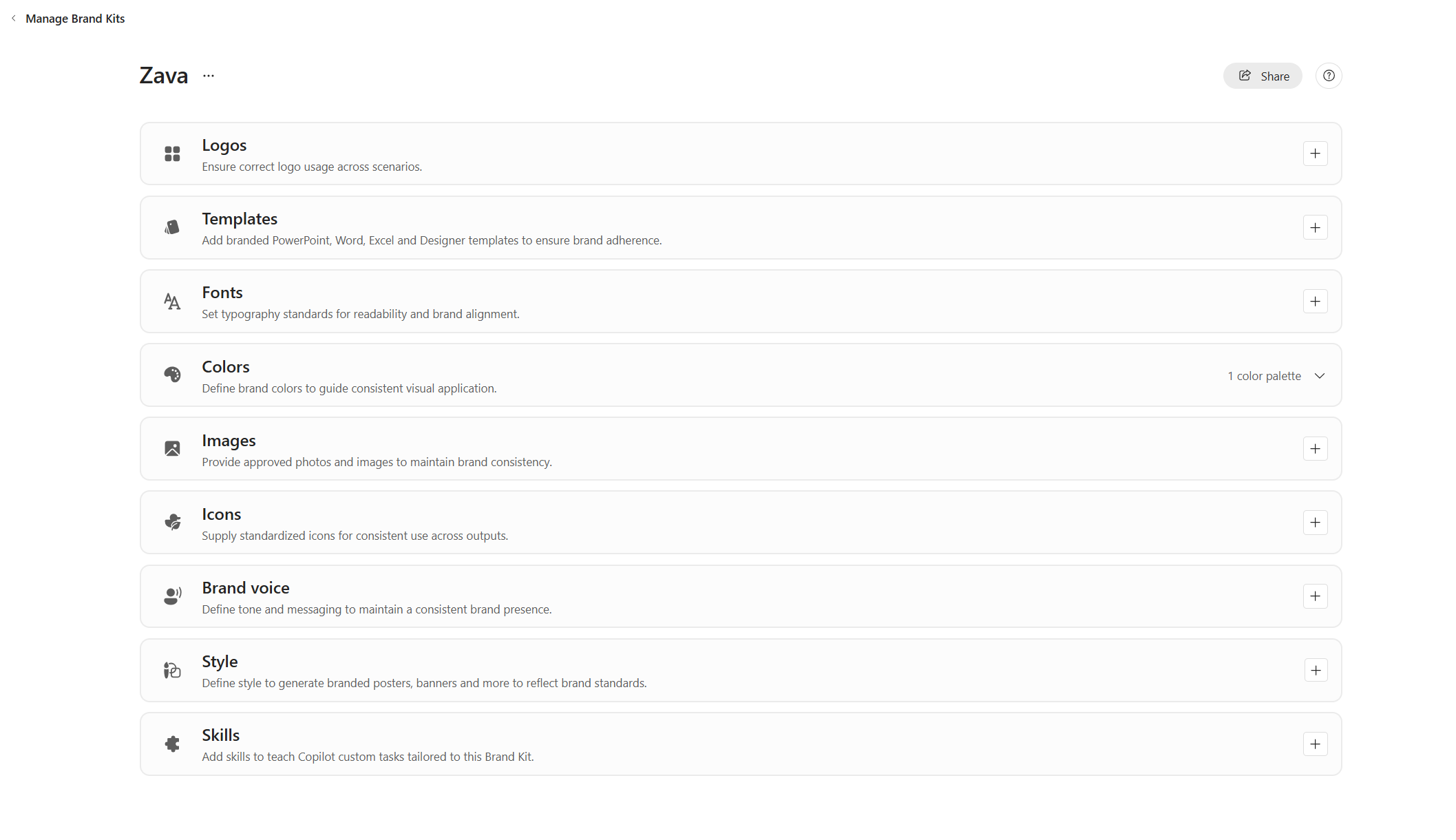
Scroll to the bottom, and then select the + icon next to Skills.
Select the option to upload a skill or manually add a skill. Uploaded skills can be a
.mdfile or a.zipfile. For skill format guidance, see Use custom skills with Copilot in PowerPoint.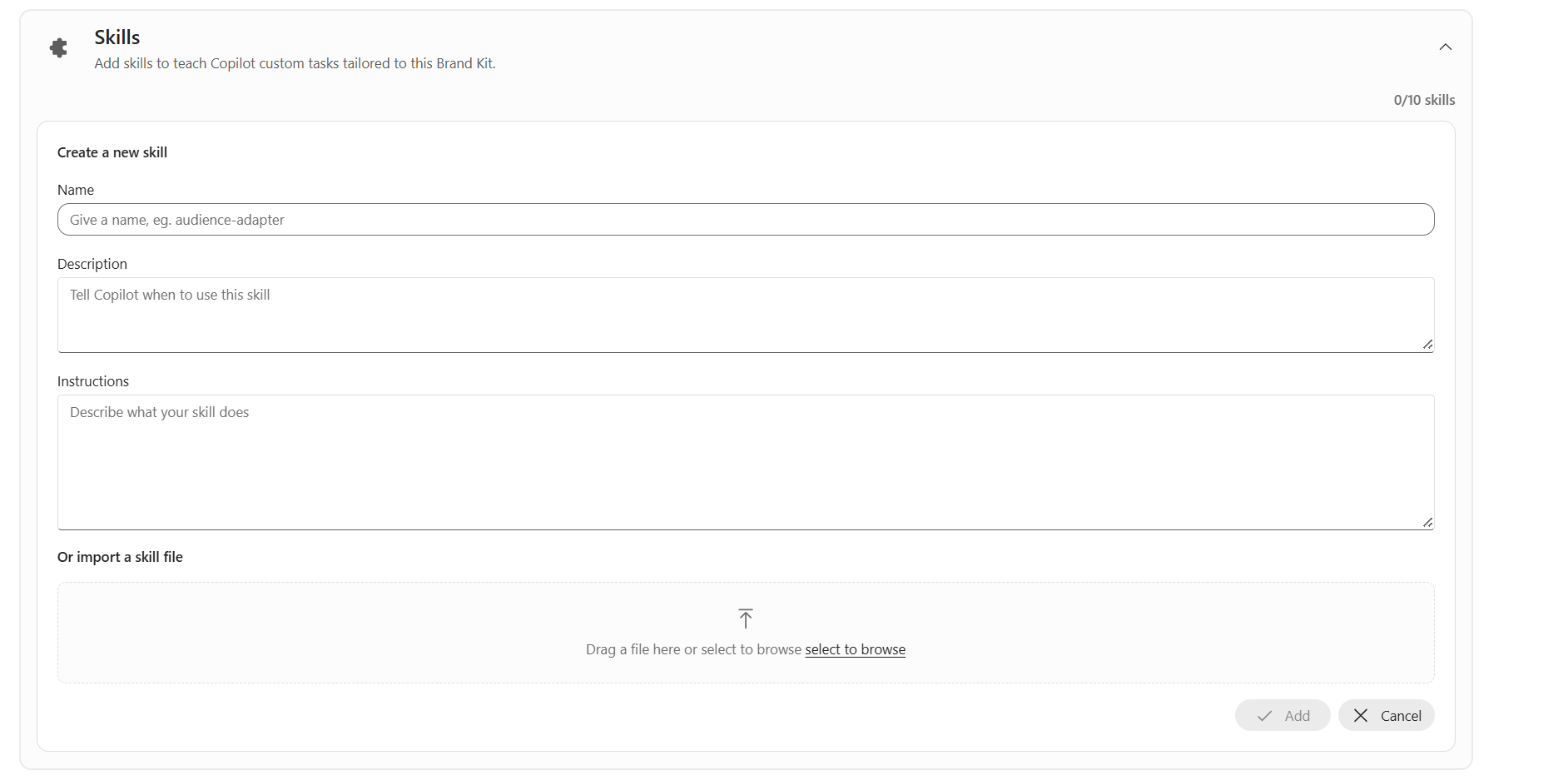
Once you add the skill, confirm that it appears in the Skills section of the Brand kit.
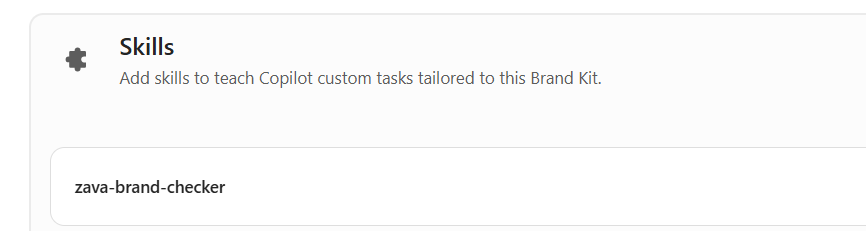
Next to each skill, select Edit or Delete as needed.
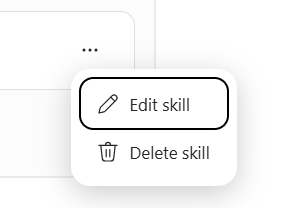
Once added, your brand skill is ready for anyone who has shared access to the Brand kit.
Use Brand Skill in Copilot in PowerPoint
After you upload the skill, anyone on your team can use it. To use the brand skill:
Open PowerPoint, and then open the Copilot pane.
In the prompt box, select the + button, and then select Select brand.
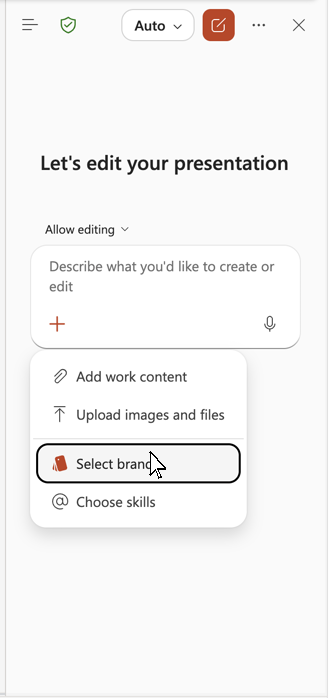
Choose the Brand kit that contains your skill.
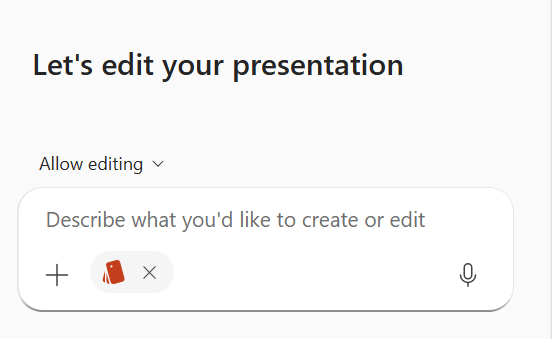
With the Brand kit selected, select +, and then select Choose skills. You should see your added skill in the skills drop-down.