

- Put your cursor where you want one page to end and the next to begin.
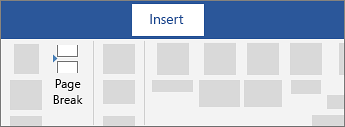
- Go to Insert > Page Break.
Tip
If Word puts a new page in your document unexpectedly, it might be because of a page break. To view page breaks so that you can select and delete them, go to Home > Show/Hide
 .
.
