
When you no longer need a list, as a site owner or designer you can delete it. If you delete a list by accident, you can restore it from the recycle bin.
Delete a list from a modern experience site
Go to the list you want to delete.
Select Settings
 , and then select List settings.
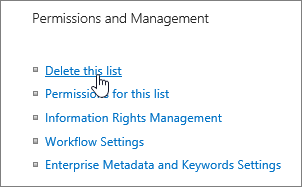
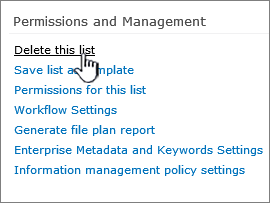
In the Settings page, select Delete this list.
In the confirmation dialog, select OK.
Note
The steps above are for the modern list experience. For the classic list experience, follow the steps for the classic experience.

Restore a list using the Recycle bin
Depending on how you or your admin has set up the site, you can restore the list from the SharePoint recycle bin for up to 90 days.
For more information about the recycle bin, go to Restore items in the recycle bin that were deleted from SharePoint or Teams.
If you've cleared your SharePoint recycle bin, learn how to restore from the Second-stage recycle bin at Restore deleted items from the site collection recycle bin.