
Use Boolean search to combine, include, or exclude terms so you can precisely control which reports appear in your search results. Boolean searches are especially useful when keywords alone return results that are too broad.
Use Boolean searches when you need to:
- Include multiple related terms in a single search.
- Exclude reports that contain specific words or phrases.
- Combine concepts for more precise results.
mPower supports common Boolean operators:
- AND – returns reports that contain all terms.
- OR – returns reports that contain any of the terms.
- NOT – excludes reports that contain a term.
Steps to build a Boolean search
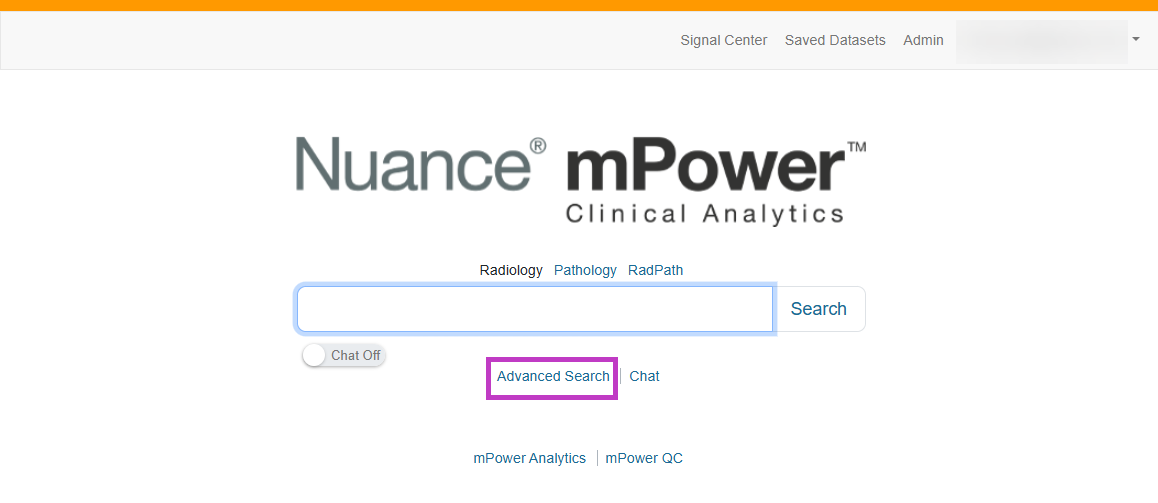
From the mPower home page, select Advanced Search below the Search box.
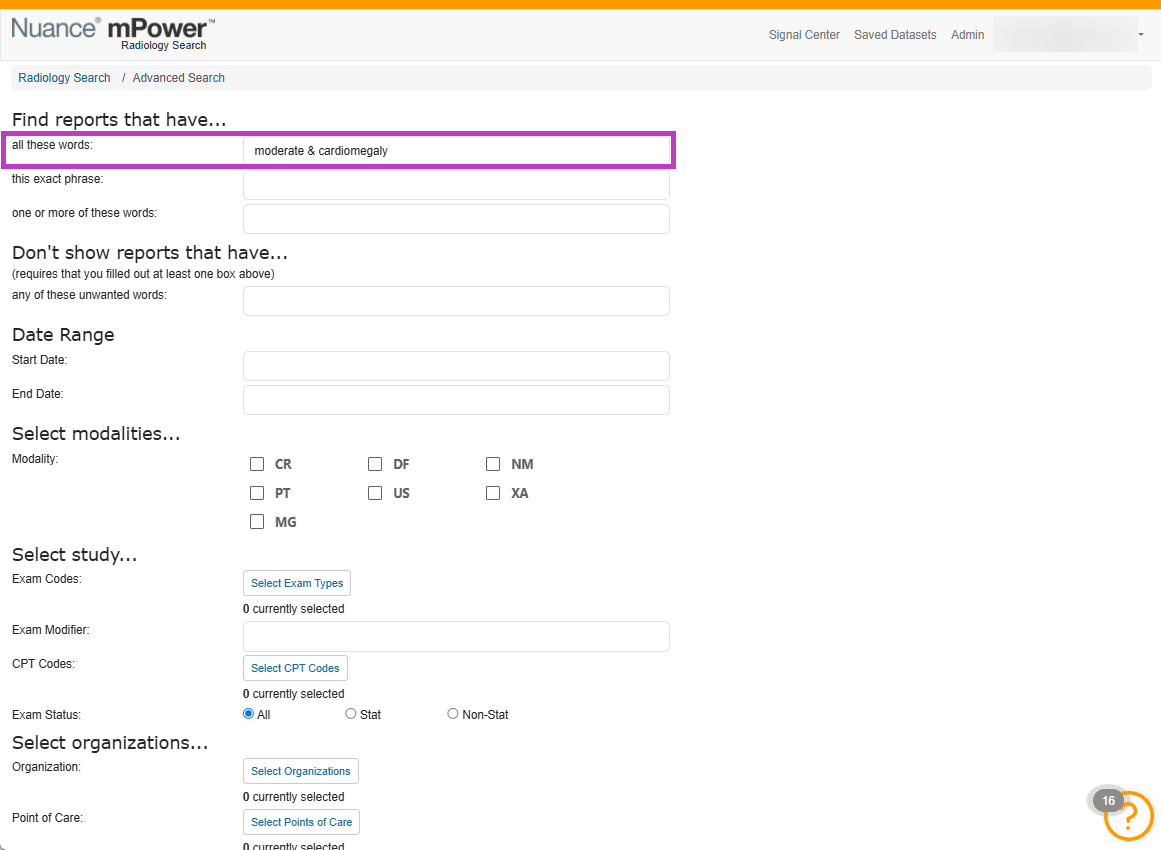
Enter your keywords in the appropriate text field.
Combine terms using Boolean operators.(for e.g, moderate & cardiomegaly)
(Optional) Use quotation marks to search for an exact phrase.
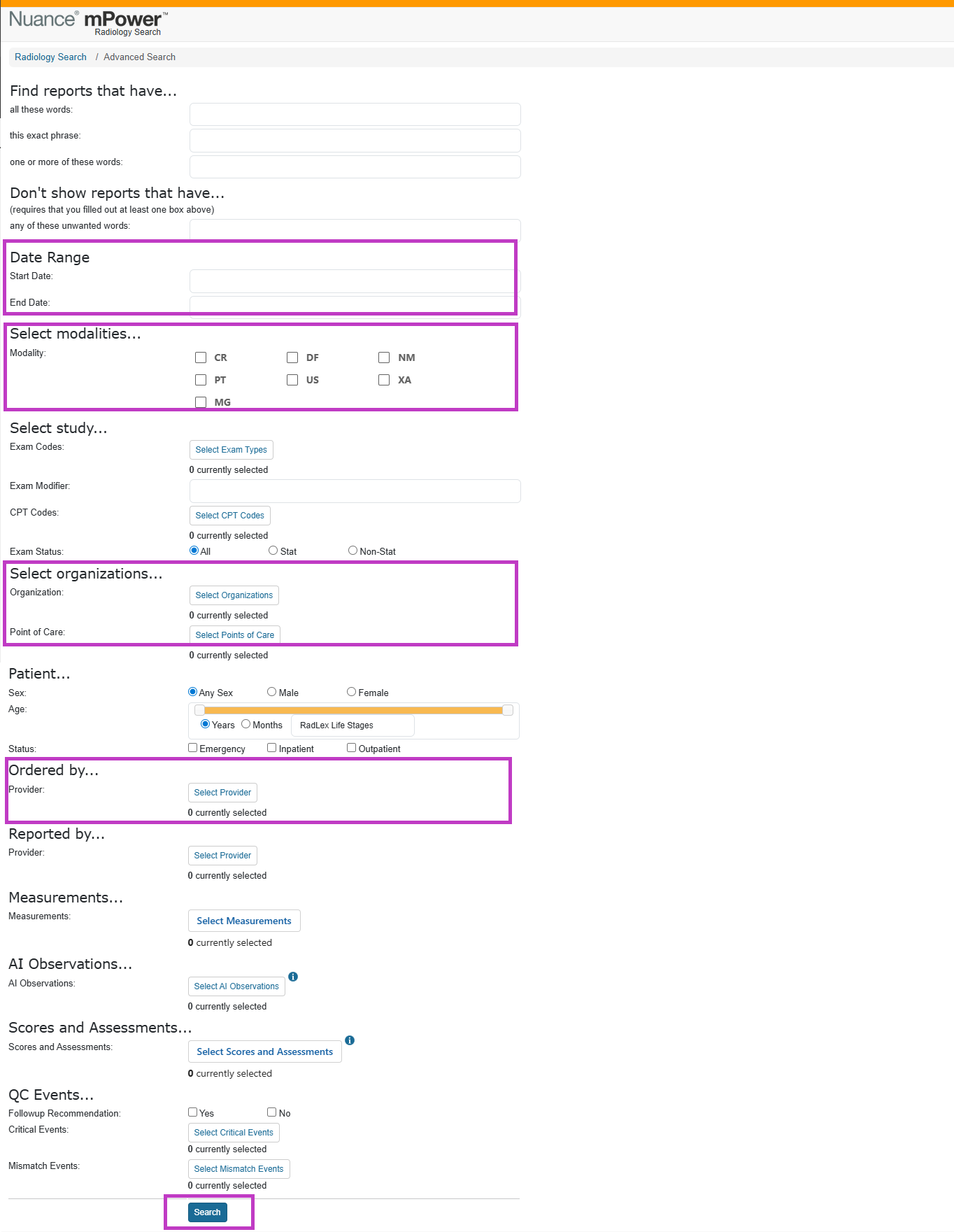
Select other filters to combine with Boolean search such as:
- Date ranges.
- Modality or exam type.
- Provider or organization filters.
Select Search.
Next up: Run sequential searches
Learn how to run sequential searches to find patients with related studies occurring within a specific time frame. Let's go