
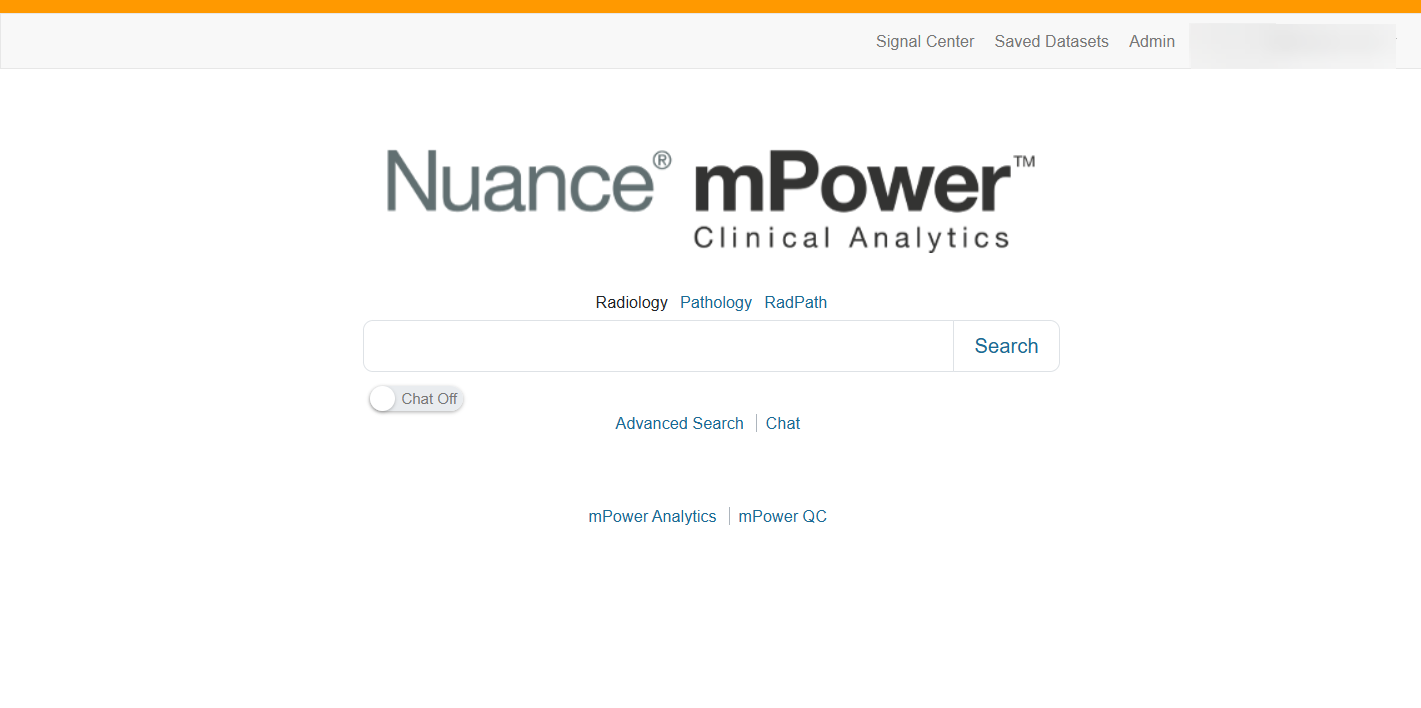
When you sign in to mPower, you land on the main mPower page, which is the starting point for all searches.
From the home page, you can:
- Select the database you want to search (Radiology, Pathology, or RadPath).
- Run a basic or advanced search.
- Access Analytics and Quality Control dashboards.
Begin with these topics to learn the basics of Searching in mPower
Run a basic search in mPower Clinical Analytics to quickly find the reports you need.
Understand search results and report view
Understand how mPower presents search results at a glance
Refine results using filters and advanced options
Narrow broad search results into targeted insights
Take your analysis offline when needed
Save and reuse searches and datasets
Work smarter by reusing your searches
Tip
The active database appears in black text. Other databases appear as links.
Explore more
Already using mPower? Explore More Help to quickly find what you need and start learning today.