
The Residency Overview Dashboard in mPower Analytics provides a high-level view of resident reporting activity by modality. It helps training and clinical teams monitor resident workload, experience distribution, and progress against expected reading targets.
Use this dashboard when you want to:
- Monitor resident reading activity
- Track progress toward training requirements
- Identify gaps in modality exposure
- Support training reviews and supervision
Open the Residency Overview Dashboard
To access the Residency Overview Dashboard:
Sign in to mPower.
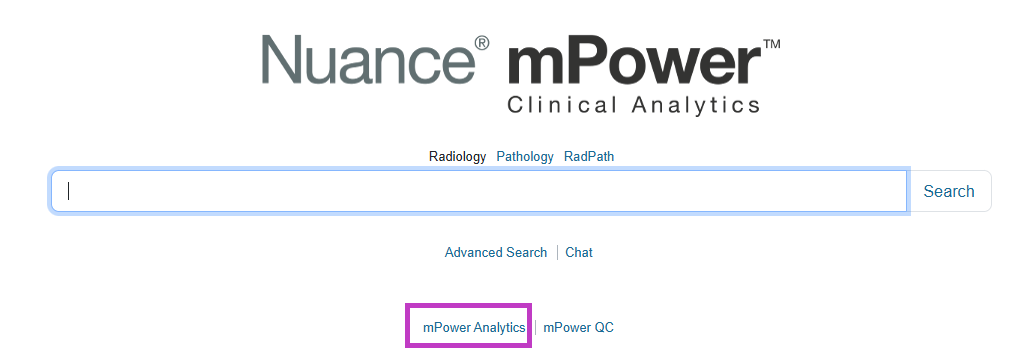
Select mPower Analytics from the main page.
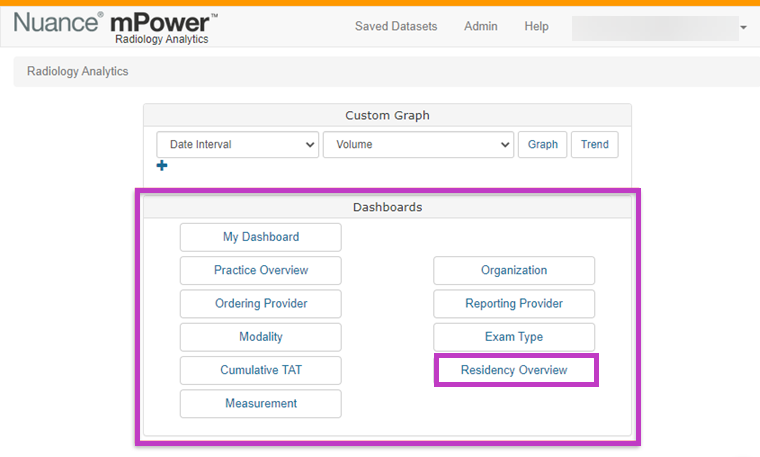
Open Dashboards.
Select Residency Overview.
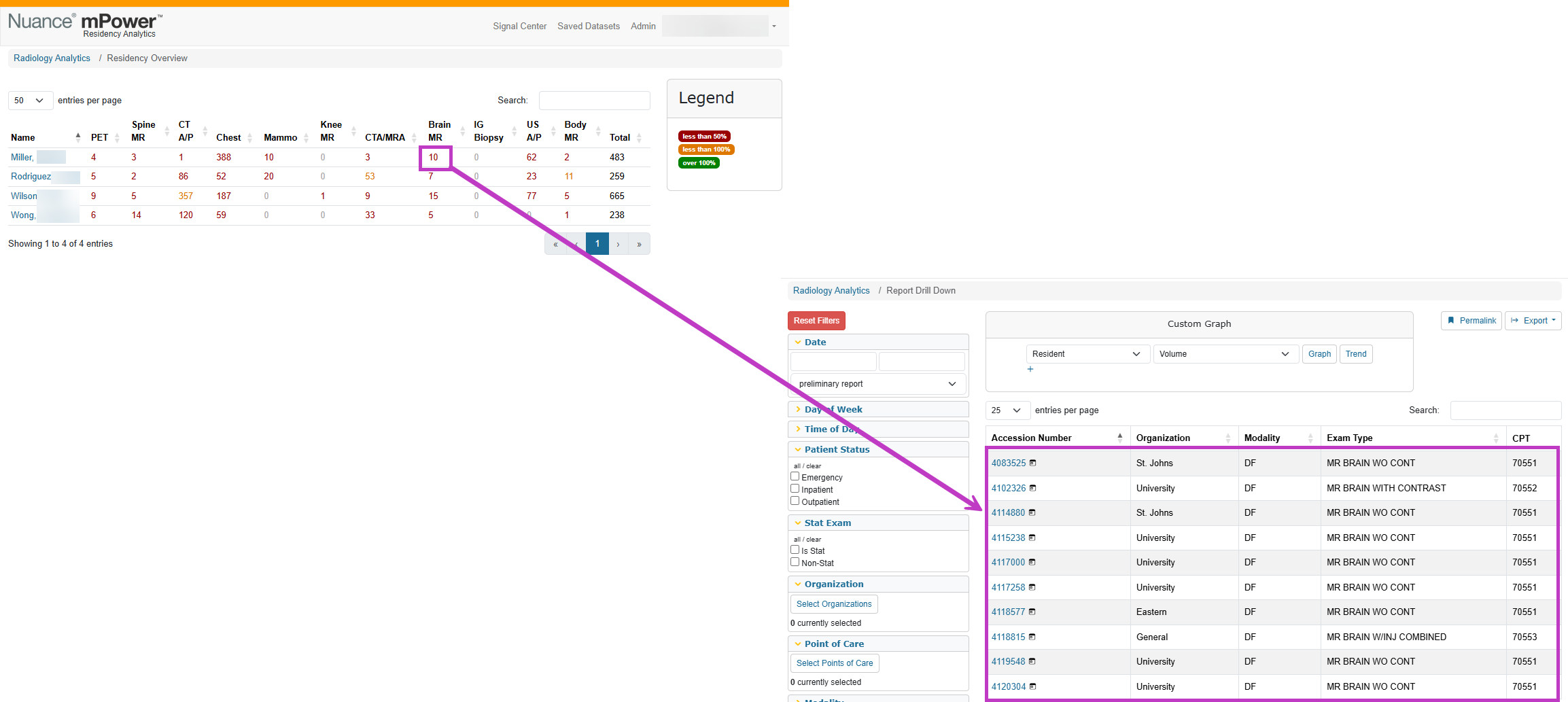
A list of residents opens, with modality‑based activity displayed for each resident.
Next up: Review quality and performance with mPower QC
Use mPower QC to review quality and performance trends, monitor key events, and identify issues that may impact clinical and operational outcomes. Let's go.