
mPower allows you to personalize your experience and return to important information easily.
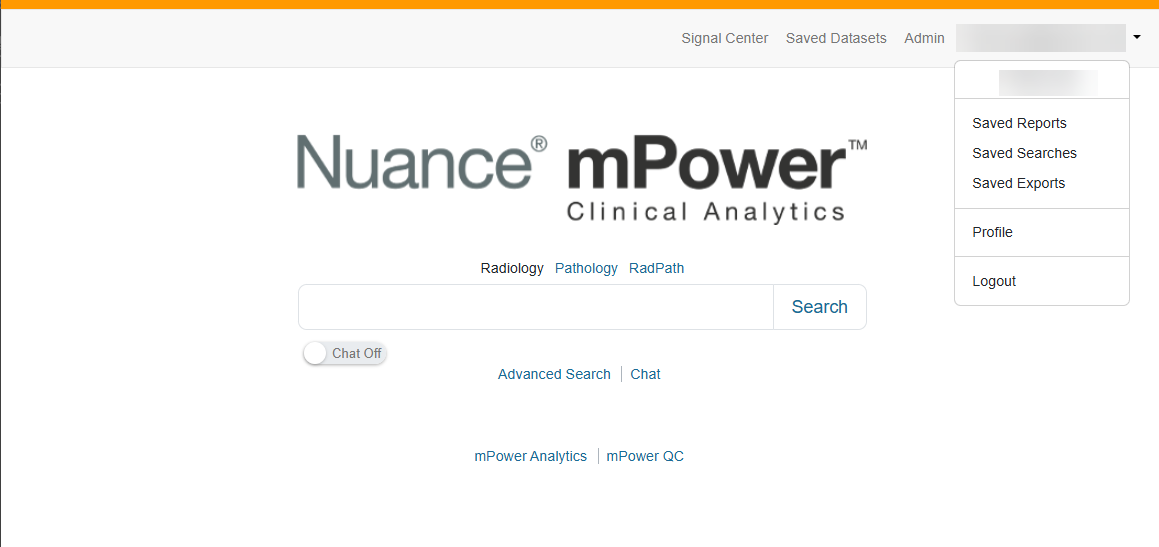
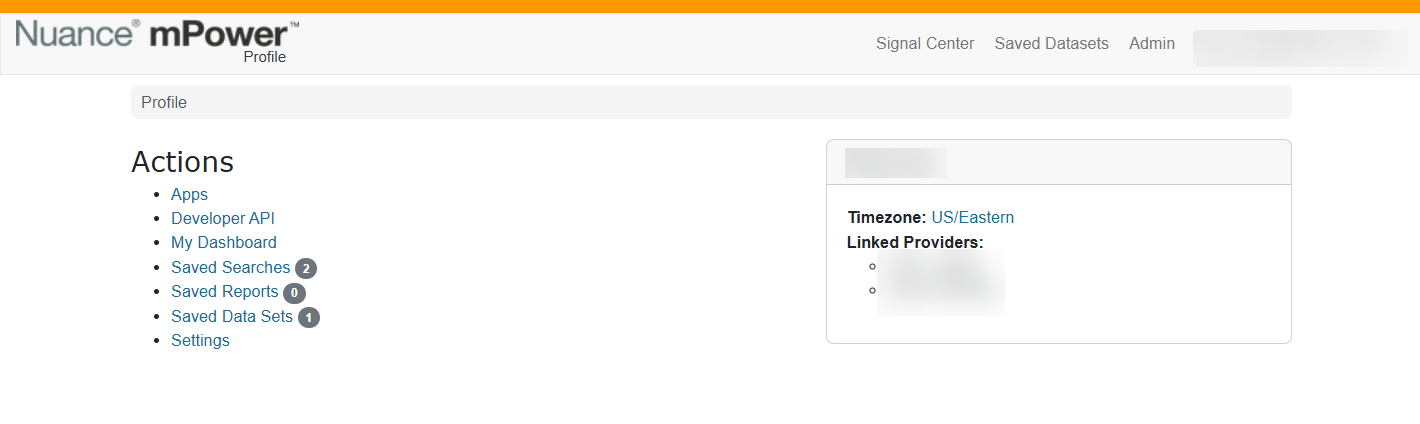
Manage your profile
From the user menu, you can:
- Update profile settings such as time zone and display preferences
- Access saved searches, saved reports, and dashboards
- View applications or integrations enabled for your account
Use dashboards
Dashboards provide visual summaries of data so you can quickly understand trends and performance.
- My Dashboard shows personalized metrics for your work (if enabled for your role)
- Analytics dashboards display volume, turnaround time, quality events, and other key measures
Dashboards help you monitor performance without running repeated searches.
Save and reuse content
To avoid repeating work, you can:
- Save searches that you run frequently
- Save reports to organized folders for later review
- Return to saved items directly from your profile menu
Saved content helps streamline repeat workflows and supports ongoing analysis.
Next up: Search for data in mPower
Run a basic search to find reports, review results and views, refine data with filters, export results, and save searches or datasets for reuse. Let's go