
mPower QC helps you identify and review potential quality, safety, and documentation problems in clinical reports. It uses natural language understanding (NLU) algorithms to flag reports for review and provides dashboards and workflows to support consistent quality monitoring.
What mPower QC does
mPower QC automatically scans reports to detect common quality‑related events. It focuses on these core areas:
- Follow‑up recommendations.
- Critical results.
- Documentation mismatches.
- Quality measure events.
Domain experts develop and validate these checks to support quality and safety workflows.
Access mPower QC
To open mPower QC:
Sign in to mPower.
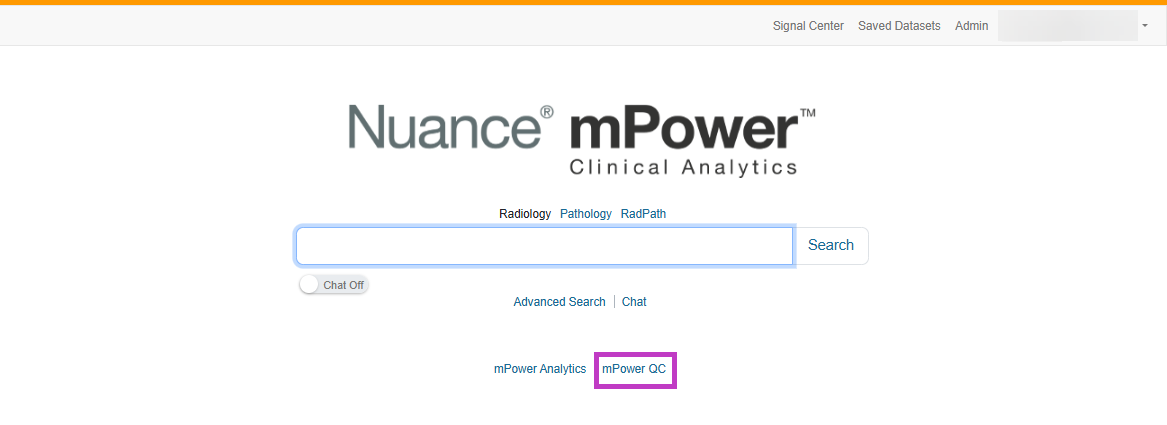
Select mPower QC from the main navigation.
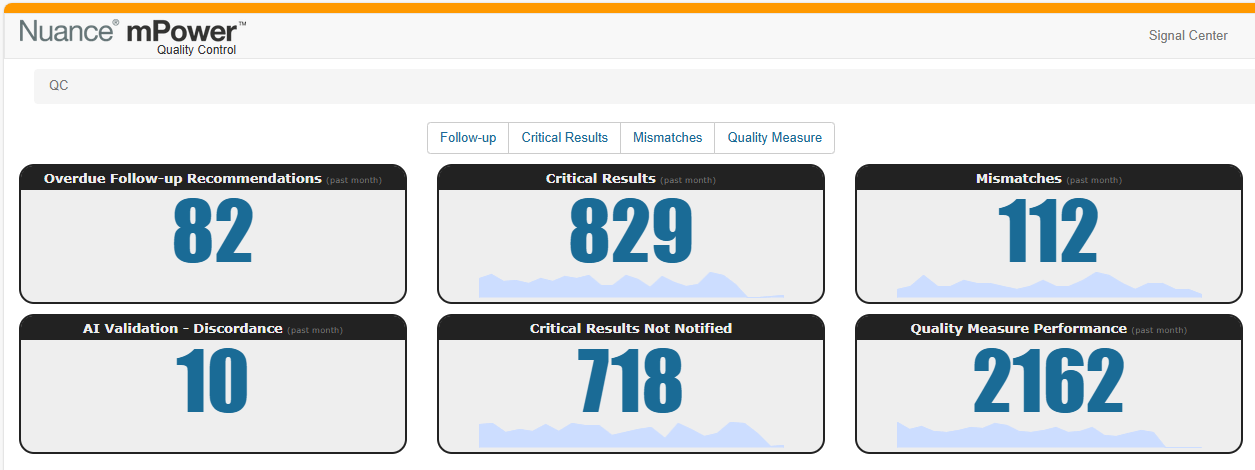
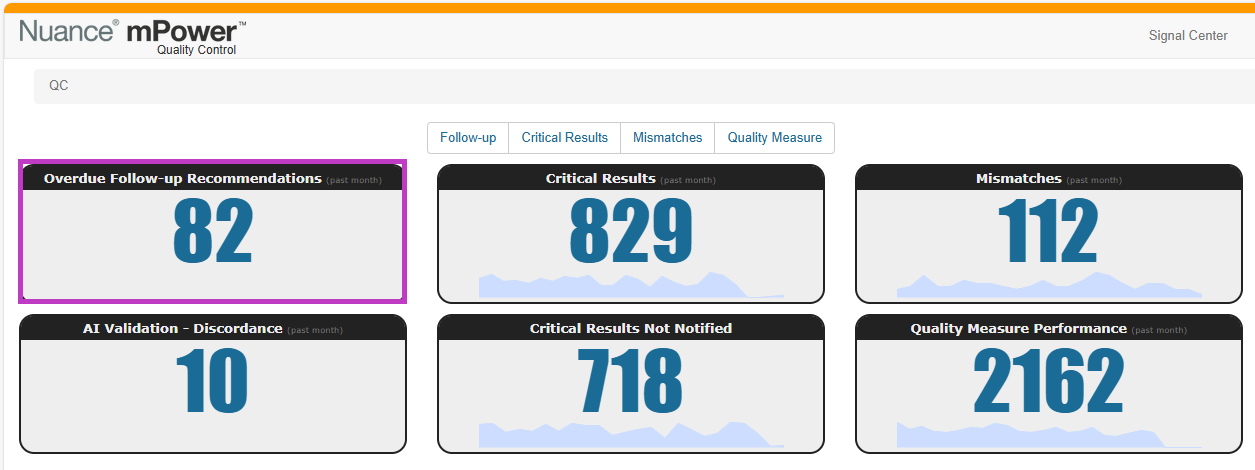
The QC home page displays access to relevant QC dashboards and review queues based on your permissions.
Note
The AI Validation dashboard will be visible if enabled by your facility.
Begin with these topics to learn about mPower QC
Learn how NLU algorithms identify clinical findings, follow‑ups, and quality events in reports to power analytics and quality dashboards.
Review the Follow‑up Recommendations dashboard
Track completed and overdue follow‑up recommendations to reduce missed follow‑ups and support timely patient care.
Review the Critical Results dashboard
Monitor critical results and review reports that require notification to support patient safety workflows.
Identify and review documentation mismatches such as laterality, age, or sex inconsistencies to improve report accuracy.
Review the Quality Measure dashboard
Review quality measure compliance, identify non‑compliant reports, and support regulatory and quality improvement efforts.
Review the AI Validation dashboard
Learn how to review AI‑detected quality events, validate results using datasets, and apply human judgement to keep mPower QC findings accurate.
Next up: mPower use cases
Learn how mPower helps you find key insights, track follow‑ups, and turn unstructured data into actionable results using real‑world scenarios. Let's go.
Explore more
Already using mPower? Explore More Help to quickly find what you need and start learning today.