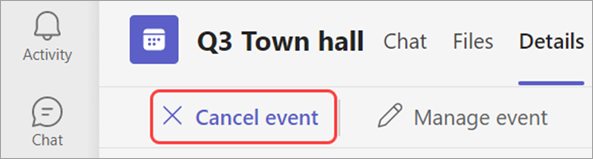
Atceļot kopsapulci, visi dalībnieki tiks automātiski informēti pa e-pastu. Kopsapulces atcelšanu nevar atsaukt.
Lai atceltu kopsapulci:
- Atlasiet
 programmā Teams.
 - Atlasiet kopsapulci, kuru vēlaties atcelt.
- Atveriet informāciju par notikumu.
- Atlasiet Atcelt notikumu,
 un apstiprināt.