
Step by Step Instructions
Images shared with you are deleted after 45 days. To keep them permanently, copy or download the images.
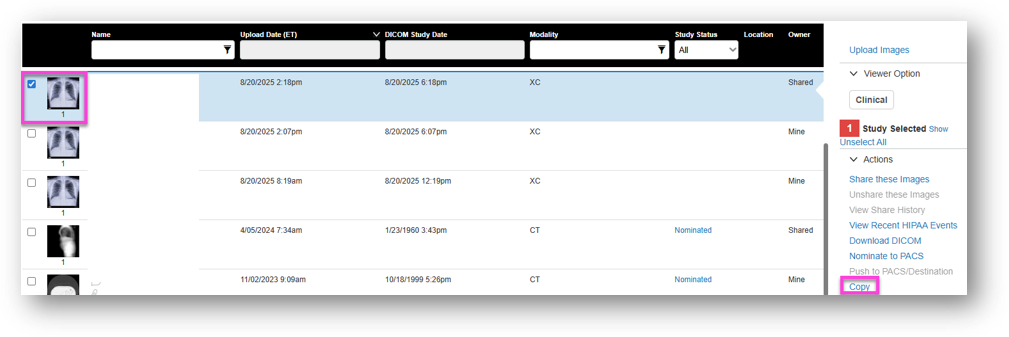
In PowerShare, open the Images tab.
Select the image(s) you want to copy.
- If the image(s) is locked, enter the token code you received (if applicable).
Select Copy.
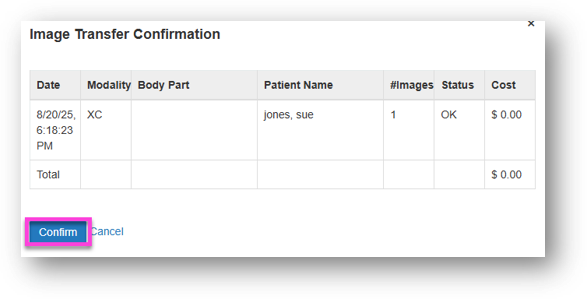
Select Confirm.
Select Close.
Next up: Download My Images in PowerShare
Learn to download DICOM images from PowerShare for easy access to your studies. Let's go