
Step by Step Instructions
Use your patient account to set up email notifications in PowerShare:
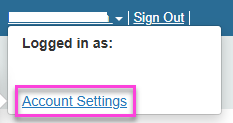
Select your name, then select Account Settings
Select Personal Information and confirm your email address is correct.
Return to Account Settings, then select Notifications Preferences.
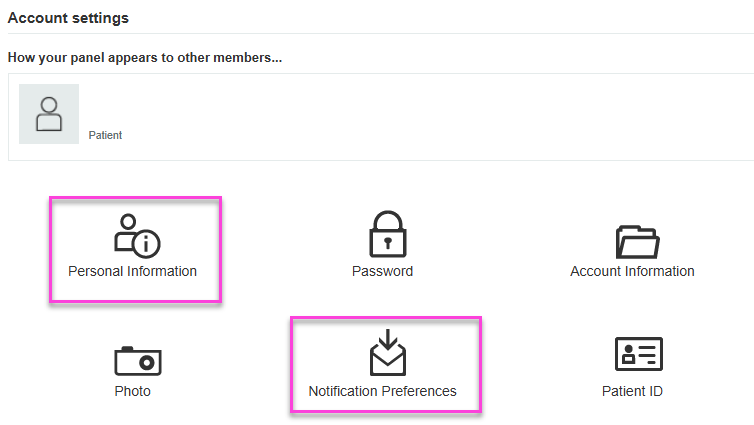
Select the notifications you want to receive by email.
Select Save.
Next up: Share My Images in PowerShare
Learn to share imaging studies and complete HIPAA authorisation in PowerShare. Let's go